Self-hosted development environment
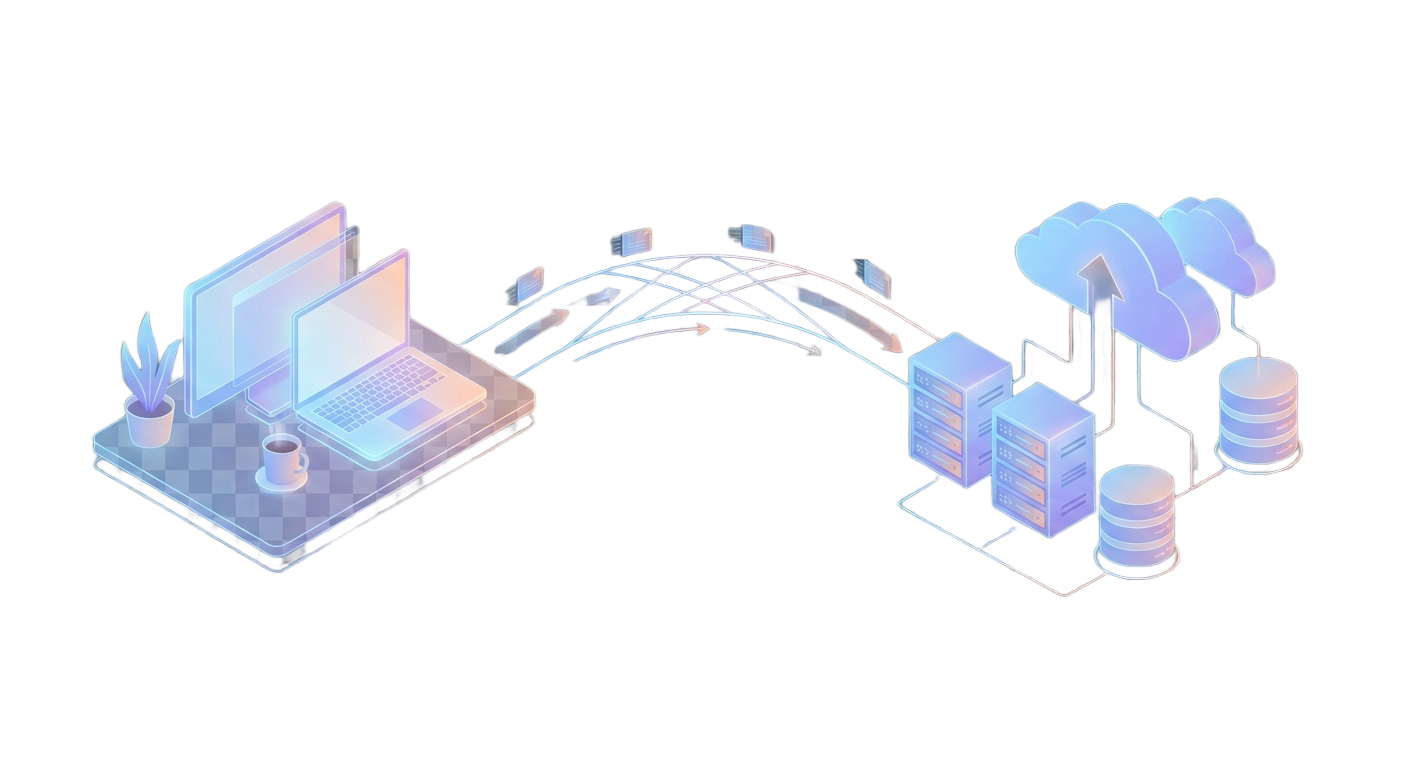
Building modern SaaS applications means juggling multiple services: databases, caches, queues, object storage, and email. The challenge? Making local development feel as real as production while keeping things simple.
We've put together a self-hosted-dev repository that lets you spin up a complete local development stack with a single command—no cloud dependencies, no surprise bills—just pure localhost development that mirrors your production environment.
Why Local-First Matters
When you develop locally against the same services you'll use in production, you catch integration issues early. Your app talks to real PostgreSQL, not an in-memory mock. Your queue processing runs against actual SQS-compatible endpoints, not stubbed functions. Your file uploads go to real S3-compatible storage.
This approach gives you confidence: if it works locally, it works in production.
The Local Stack
Our self-hosted-dev repository provides everything you need to run modern backend services locally via Docker Compose:
PostgreSQL handles your relational data. Or alternatively, use MongoDB, which gives you a document-oriented database. Redis provides in-memory caching. SmoothMQ emulates AWS SQS for queue processing, complete with a dashboard on port 3002. MinIO emulates AWS S3 for object storage, with a console on port 9001. Mailpit captures emails with a web UI on port 8025.
Getting with these services easy, takes three commands:
# Download Docker Compose config and edit to your needs
curl -o docker-compose.yml https://raw.githubusercontent.com/huksley/self-hosted-dev/refs/heads/main/docker-compose.yml

# Download example .env.example
curl -o .env https://raw.githubusercontent.com/huksley/self-hosted-dev/refs/heads/main/.env.example

# Run everything
docker compose up -d

# Check logs
docker compose logs
AWS SDK Compatibility
Both MinIO and SmoothMQ work with standard AWS SDKs, so you can point your existing S3 and SQS code at localhost endpoints and everything just works:
// S3 Client - works locally and in production
const s3 = new S3Client({
  region: 'us-east-1',
  // Only provide these in local env
  ...(process.env.S3_ENDPOINT ? {
    endpoint: process.env.S3_ENDPOINT,
    forcePathStyle: true,
    credentials: {
      accessKeyId: process.env.S3_ACCESS_KEY_ID,
      secretAccessKey: process.env.S3_SECRET_ACCESS_KEY
    }
  } : {})
});

const sqs = new SQSClient({
  region: 'us-east-1',
  // Only provide these in local env
  ...(process.env.SQS_ENDPOINT ? {
    endpoint: process.env.SQS_ENDPOINT,
    credentials: {
      accessKeyId: process.env.SQS_ACCESS_KEY_ID,
      secretAccessKey: process.env.SQS_SECRET_ACCESS_KEY
    }
  } : {})
};
Locally, your app uses MinIO. In production, deploy to AWS ECS or Lambda and use real AWS S3 or keep using MinIO on your server—your code stays the same.
From Local to Production with DollarDeploy
Here's where it gets interesting. DollarDeploy provides PostgreSQL, Redis, and MongoDB as single-click services on your host. When you deploy your app, these services are automatically available through environment variables: POSTGRES_URL, REDIS_URL, and MONGODB_URL.
Your workflow becomes straightforward. Develop locally with the self-hosted stack, where all services run on localhost with matching connection strings. When ready, deploy with DollarDeploy, and we will run managed services on your server, providing the same interfaces. For AWS services like S3 and SQS, configure your cloud credentials as environment variables, and your app seamlessly uses the real thing.
A Robust Development Experience
This setup solves real problems. No mocking or stubbing that hides real integration bugs. No complicated per-developer environment setup. No cloud costs during development. No waiting for CI to catch issues you could have caught locally.
Getting Started
Clone the repository, start the services, and you're ready to build:
git clone https://github.com/huksley/self-hosted-dev.git
cd self-hosted-dev
npm install
cp .env.example .env
docker compose up -d
npm run test
Check the repository README for service ports and connection strings. When you're ready to deploy, DollarDeploy handles the production services automatically.
Local development should be fast, reliable, and production-identical. Now it is.