Draft: Code and deploy your webapp with Claude and DollarDeploy
We will guide you how you can use Claude Code to write all code of your website or webapp for you and deploy it live with DollarDeploy.
We will guide you how you can use Claude Code to write all code of your website or webapp for you and deploy it live with DollarDeploy.
Prerequisites
- Github account. We will use GitHub to host the source code for our website.
- Github desktop app. Local folder will be synchronized with Github using this app.
- Claude Desktop. We will use Claude and Claude Code to change landing page and write blog articles.
- Claude Pro account. You can also try ChatGPT Codex.
- DollarDeploy account (register here, use FRIENDS50 discount code to get 50% discount for first 3 months)
- Server created with DollarDeploy using DigitalOcean or Hetzner. See the guide here on how to create server with DollarDeploy
- Good starter template (choose this carefully - see examples below)
Creating our website
Good, properly structured template is crucial for AI agents to get their work done correctly. Without it, AI agents will invent structural things themselves, building confusing and sometimes contradicting configuration, leading to mistakes and costly back and forth chats later.
Some options
- https://vercel.com/templates/blog/blog-starter-kit
- https://github.com/timlrx/tailwind-nextjs-starter-blog
- https://github.com/SiddharthaMaity/nextjs-16-starter-shadcn
 siddharthamaity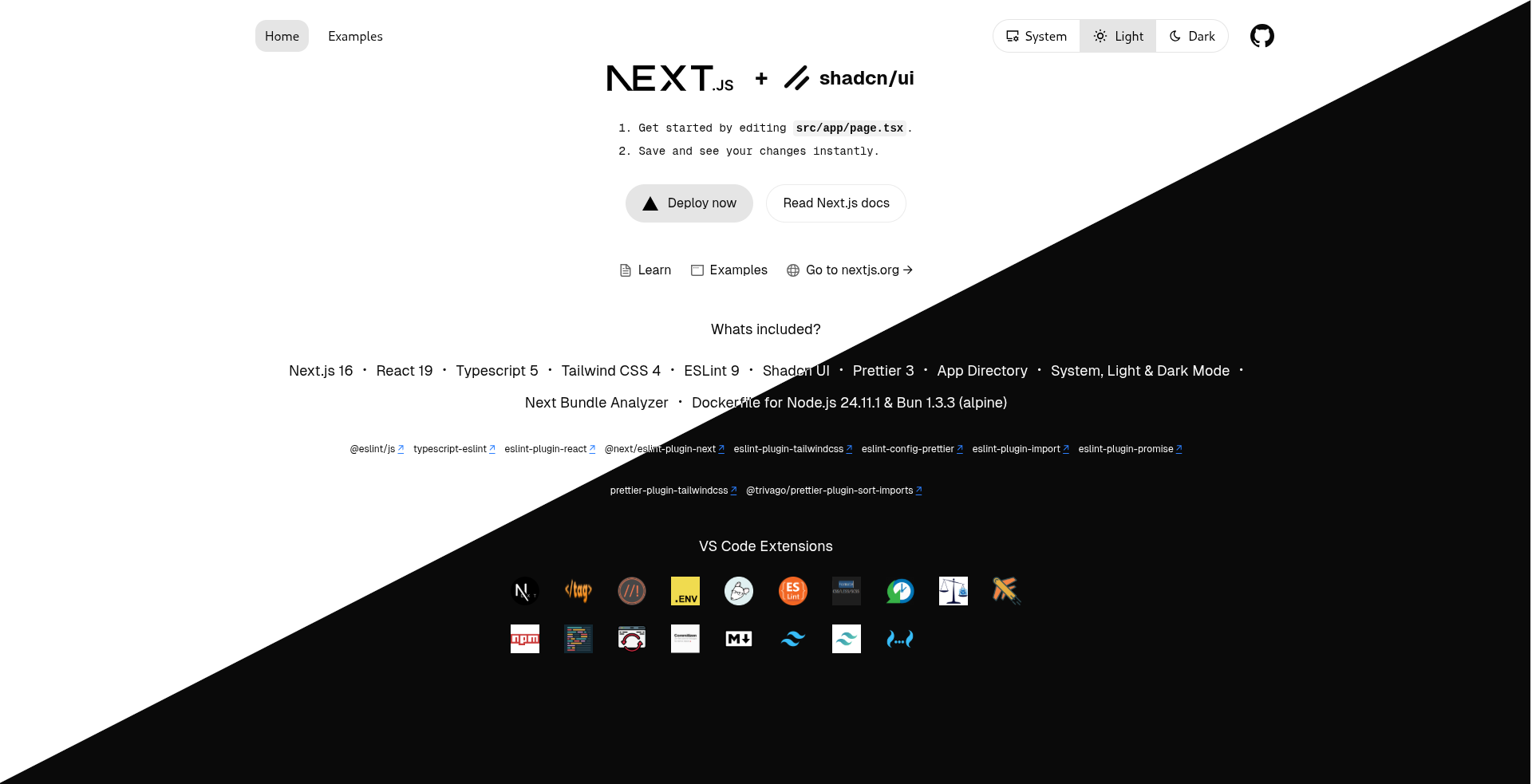
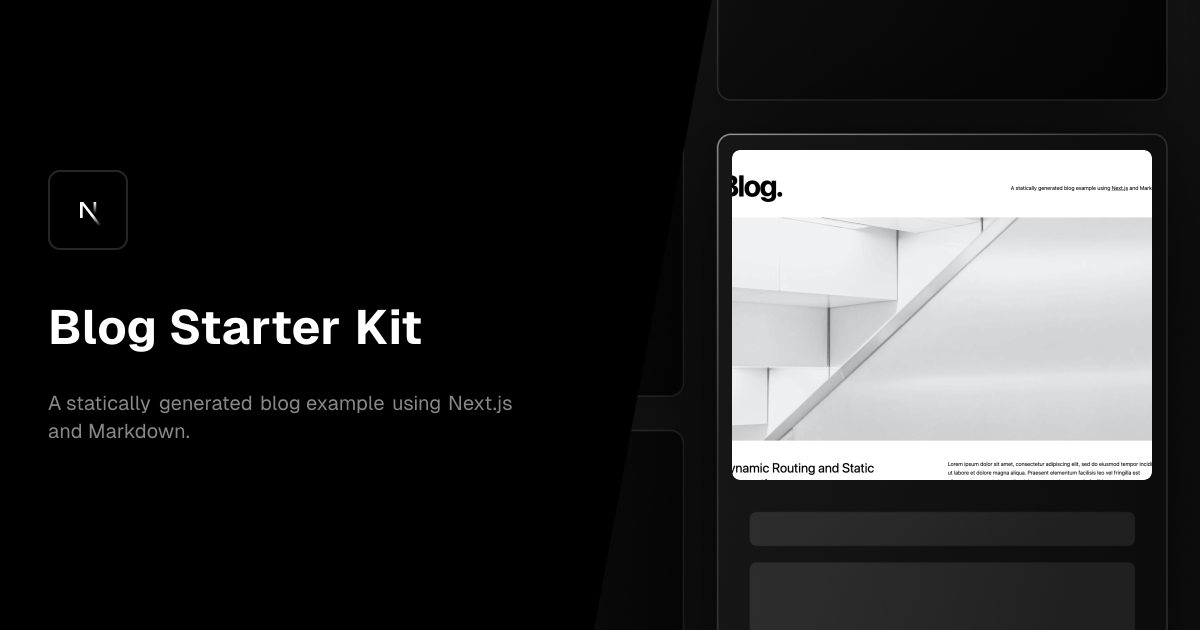
 timlrx
First we need to fork the starter template to our own website. Go to Github for a specific template and fork this to your own GitHub account.
Clone locally
Using GitHub desktop, clone your app from GitHub to the local folder. Claude will work with your local folder but DollarDeploy needs a Github copy to deploy properly.
Claude Code - write your website
Make changes to your websites, by asking Claude. Use Github Code to push these changes to the GitHub.
Deploy app
Use DollarDeploy to deploy your app live. Use autogenerated custom domain to get started but switch to your own domain once you think your webapp looks good!
Optional: run locally
Highly recommended, make local environment what you can run things locally and view the changes before you deploy.
- Install NodeJS https://nodejs.org/en/download
- Get started with MacOS terminal