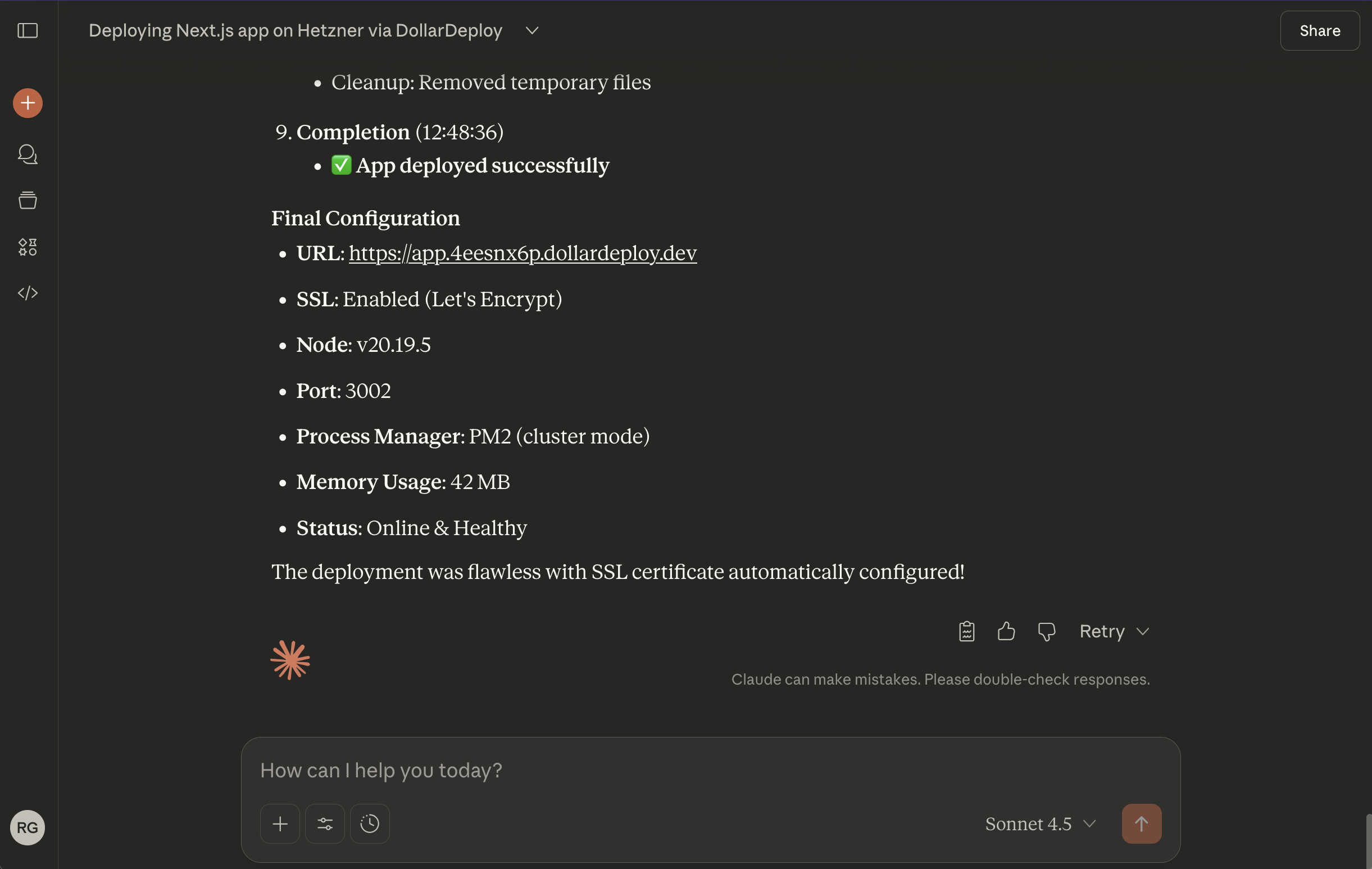
Use MCP or Agentic AI to deploy your apps
Agentic AI support lets you manage your infrastructure from AI tools that speak MCP (Model Context Protocol). The tested, documented clients are Claude (web and desktop), Cursor, and Windsurf; other MCP-compatible tools can connect in principle. Below is how to get started.
MCP server
We have added MCP server support in DollarDeploy, allowing you to connect your DollarDeploy instance to popular AI chat services.
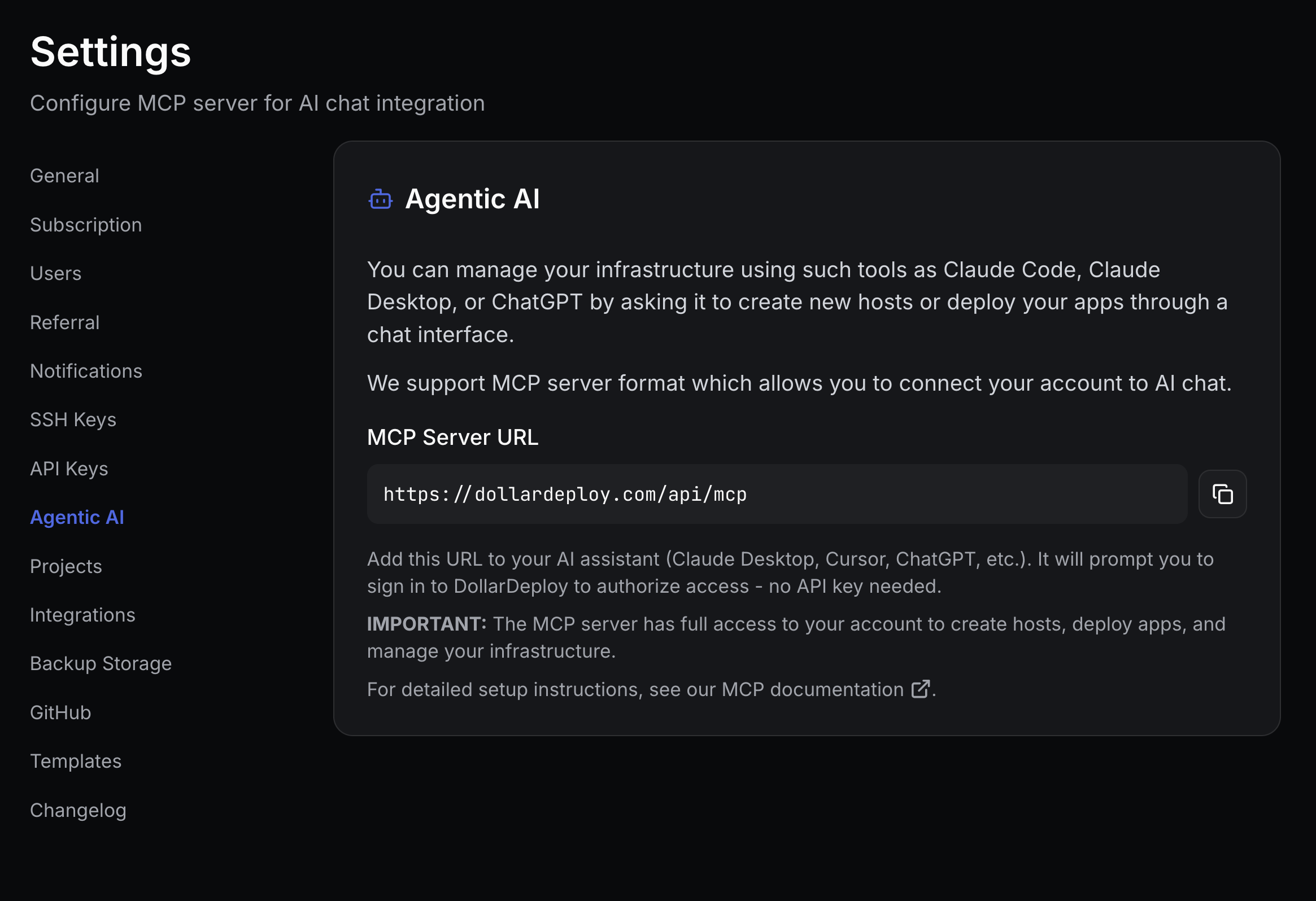
Authentication
Since v1.54, the MCP server uses an OAuth login flow: you connect the server and sign in to DollarDeploy, instead of putting an API key in the URL. Add the connector, press Connect, and approve the login.
One-click for Claude: Add DollarDeploy MCP to Claude.
Permissions and confirmations
MCP actions run with your DollarDeploy account permissions, on the same control plane the web UI and API use. When you add the connector you set per-tool permissions.
Allow everything except delete-host, provision-host, delete-app and deploy-app, and leave those requiring confirmation. The AI can then do routine work on its own but waits for your explicit approval before any destructive or costly action.
Add the MCP server to Claude AI
Go to Settings => Customize => Connectors, and add a custom connector.
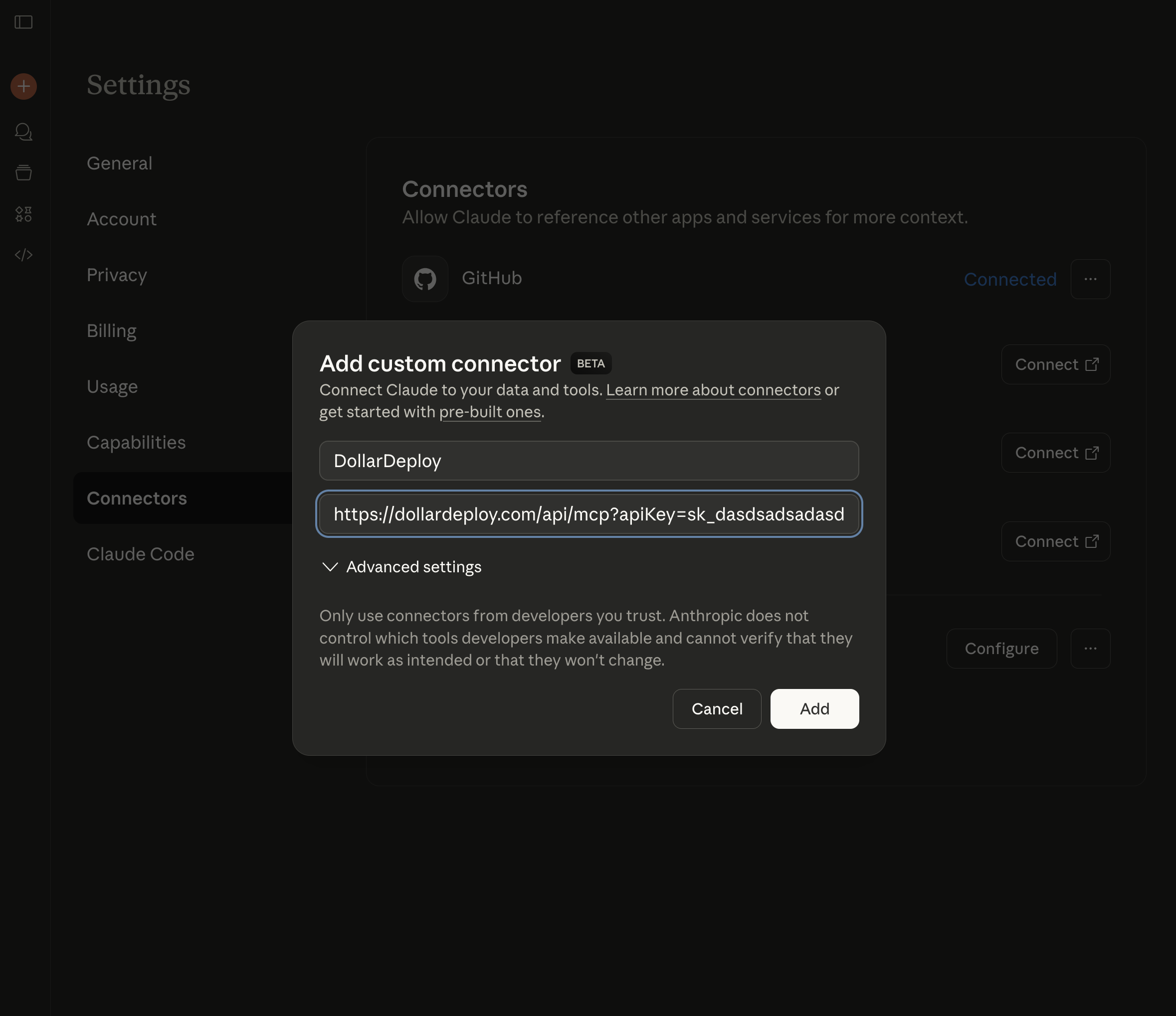
Press Connect and sign in with OAuth, then set per-tool permissions as described in Permissions and confirmations above (allow everything except delete-host, provision-host, delete-app and deploy-app).
Adding the MCP server to the Cursor IDE
See original docs https://cursor.com/docs/context/mcp
Press Settings => Cursor Settings => MCP, and in the text editor, add a new server
Add the following, save, and restart Cursor IDE.
{
  "mcpServers": {
    "DollarDeploy": {
      "url": "https://dollardeploy.com/api/mcp"
    }
  }
}
Cursor will prompt you to sign in with OAuth on first use.
Adding the MCP server to Windsurf
In Windsurf, open the MCP settings and add a server with the URL https://dollardeploy.com/api/mcp, then sign in with OAuth when prompted.
Start chat
You can ask "Deploy my app" or "Deploy Twenty CRM using DollarDeploy to a new server on Hetzner"