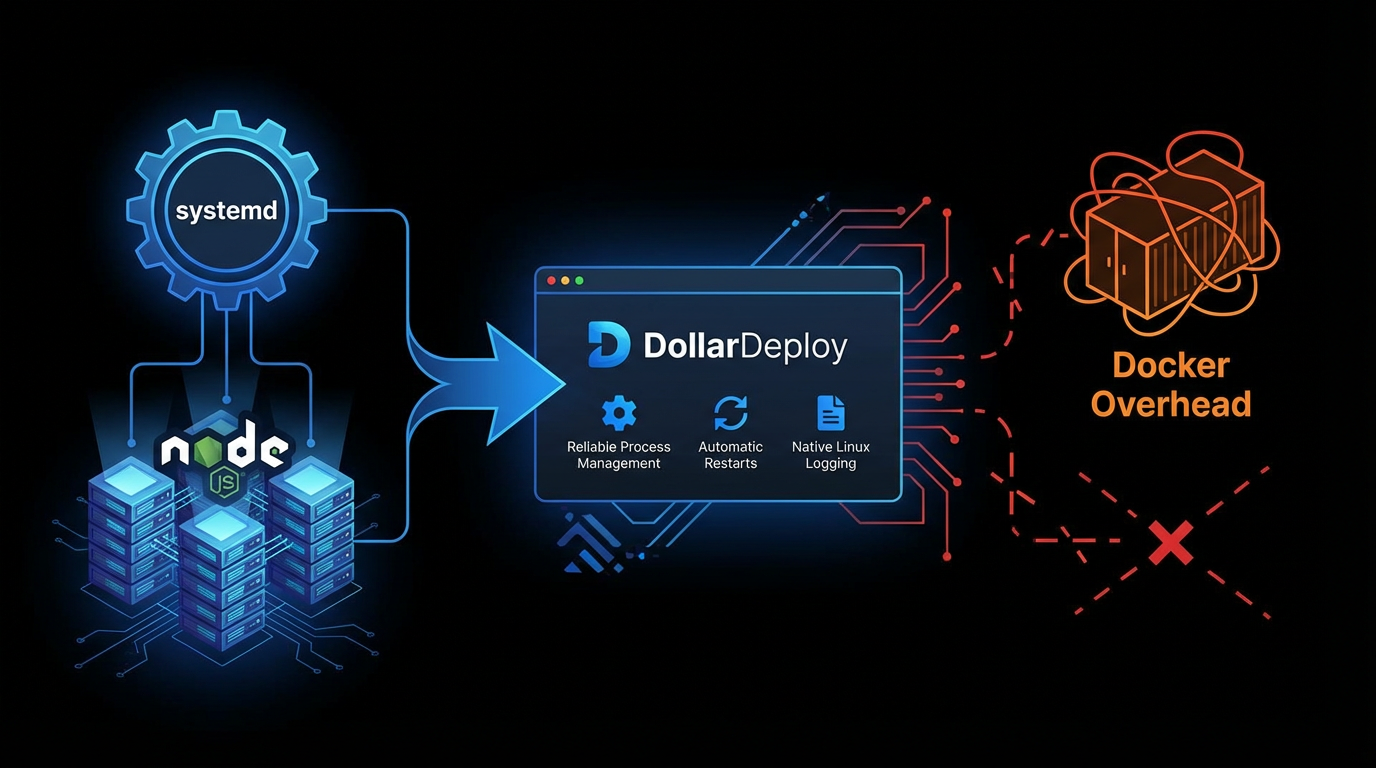
In DollarDeploy, we run your apps as isolated systemd processes instead of Docker containers. This gives you reliable process management, automatic restarts, and native Linux logging — without the overhead of containerization.
Why systemd?
When you deploy a Node.js app on DollarDeploy, we create a systemd service that:
- Starts automatically when your server boots
- Restarts on failure with configurable delays
- Collects logs via journald with automatic rotation
- Runs with security hardening (no root, restricted filesystem access)
Read more about systemd basics here.
systemd vs Docker: When to use each
| Aspect | systemd | Docker |
|---|---|---|
| Overhead | Minimal — native process | Container layer + daemon |
| Startup time | Fast | Slower (image loading) |
| Isolation | Process-level | Full filesystem/network |
| Configuration | Unit files | Dockerfile + Compose |
| Debugging | journalctl, direct access | docker logs, exec |
| Dependencies | System-wide (we manage) | Isolated per container |
| Dev/prod parity | Requires matching setup | Same image everywhere |
| Disk usage | App files only | Layers + images + volumes |
| Best for | Single-app servers, performance | Multi-app, teams, complex CI/CD |
What DollarDeploy generates
When you deploy a Node.js app, we create a systemd unit file like this:
[Unit]
Description=My Node.js App
After=network-online.target

[Service]
User=app
WorkingDirectory=/home/app/myapp
ExecStart=/home/app/.nvm/versions/node/v20/bin/npm run start
Restart=on-failure
RestartSec=5
EnvironmentFile=/home/app/myapp/.env

# Security hardening
NoNewPrivileges=true
ProtectSystem=strict
ProtectHome=read-only
PrivateTmp=true
PrivateDevices=true

# Logging
StandardOutput=append:/var/log/myapp/app.log
StandardError=inherit
SyslogIdentifier=myapp

[Install]
WantedBy=multi-user.target
Key settings explained
- Restart=on-failure — Automatically restart if your app crashes
- RestartSec=5 — Wait 5 seconds before restarting (prevents crash loops)
- NoNewPrivileges=true — Process can't escalate permissions
- ProtectSystem=strict — Filesystem is read-only except allowed paths
- PrivateTmp=true — Isolated /tmp directory
Log rotation
We also configure logrotate to manage your logs:
/var/log/myapp/*.log {
    daily
    rotate 14
    compress
    missingok
    notifempty
    copytruncate
}
This keeps 14 days of compressed logs without manual maintenance.
Managing your service
You can check your app status directly via SSH:
# View status
sudo systemctl status myapp

# View logs
sudo journalctl -u myapp -f

# Restart manually
sudo systemctl restart myapp
But with DollarDeploy, you usually don't need to — the dashboard handles restarts and shows logs directly.
Key takeaway
systemd gives you production-grade process management without Docker's complexity. For single-app deployments where you want maximum performance and simplicity, it's the right choice. DollarDeploy handles all the configuration automatically — you just push code.
Want to see it in action? Deploy your first Next.js app and check the systemd service we create.