New release 1.48 - Vultr integration, Bun support, multiple teams and scheduled backups
This release rounds up everything shipped since 1.44: a new runtime support, additional cloud provider, an improved server onboarding flow, multiple team support and scheduled backups with customizable retention.
✨ What's New
Bun support
Bun is now a first-class app type, next to Node.js, Deno, Go, Python and the rest. Point DollarDeploy at a repo with a bunfig.toml or a bun.lock/bun.lockb and it is detected automatically, no Dockerfile and no Node.js shim needed.
Builds run bun install (with --frozen-lockfile when a lockfile is present) and only run your build script if you actually have one. Deploys run bun run start as a hardened systemd service, with the same logs, environment variables, autogenerated secrets and zero-downtime restarts as every other app type. The Bun version is pinned to the one bundled in the build image and can be overridden per app with BUN_VERSION.
Drizzle migration suggestions are Bun-aware too - you get bunx drizzle-kit instead of npx.
Vultr provider integration
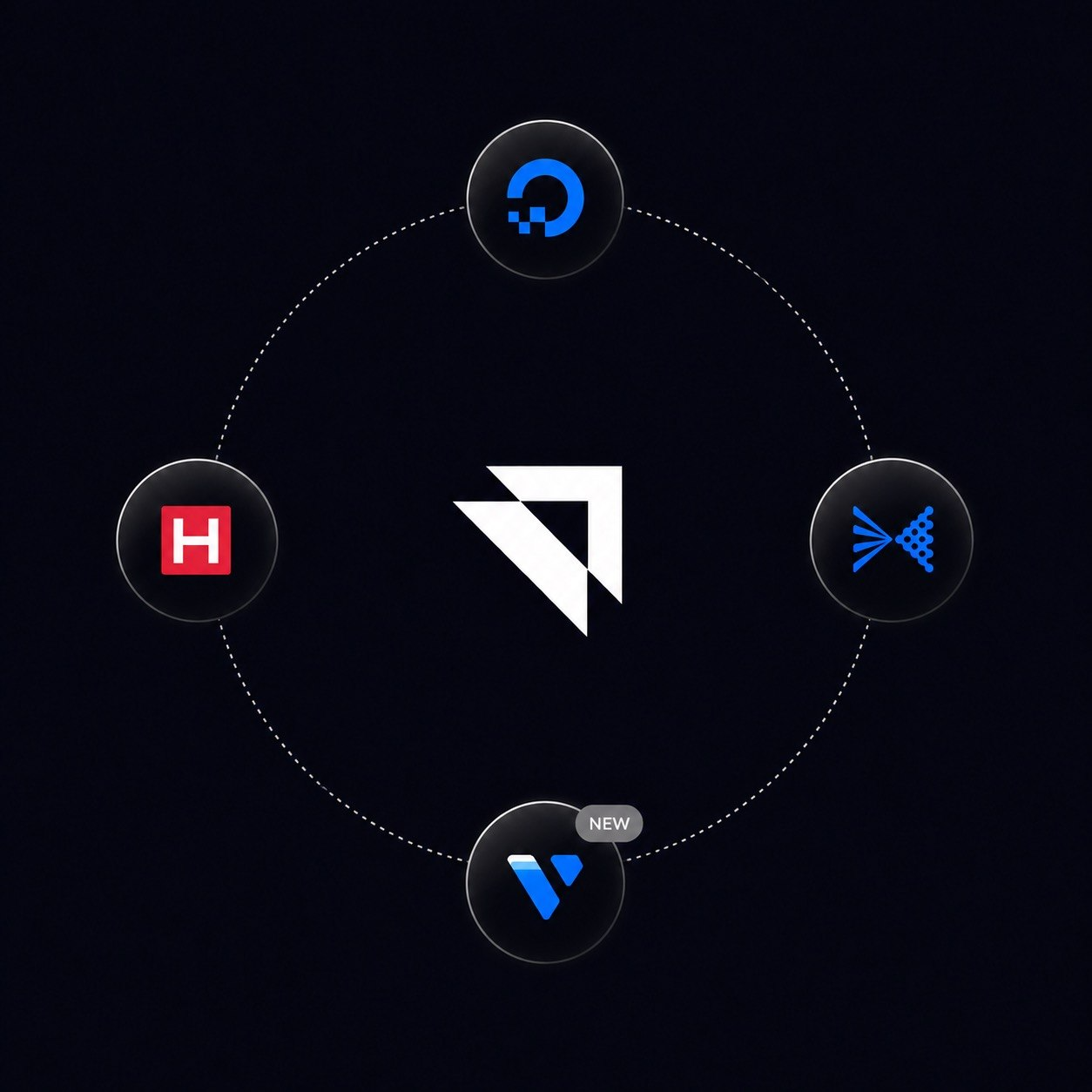
Vultr integration added along existing Hetzner, DigitalOcean and the other supported providers. Add your Vultr API token in Integrations and DollarDeploy can create the instances and manage them without a need to go to Vultr console. Deleting a host in DollarDeploy destroys the Vultr instance as well.
Redesigned server onboarding
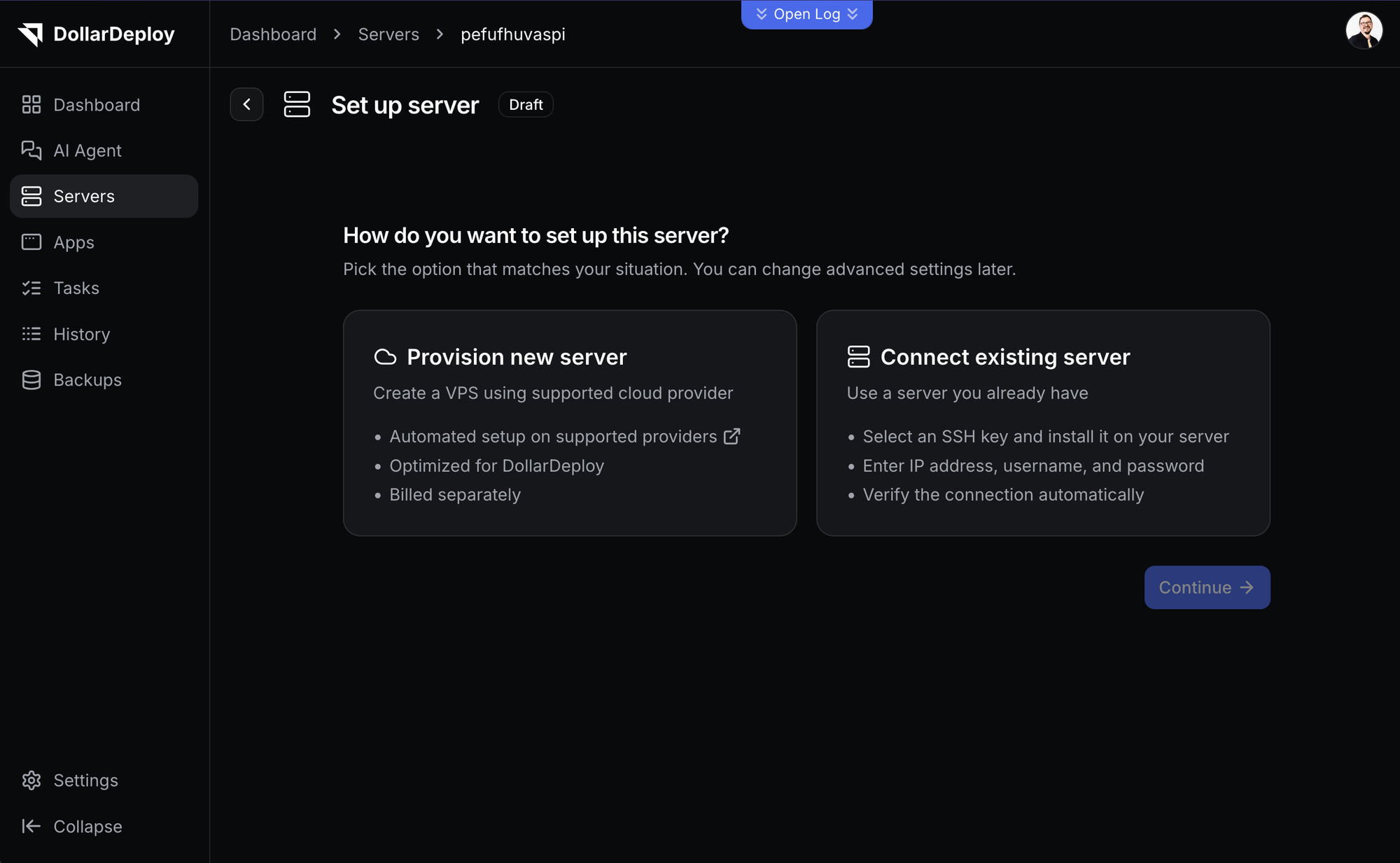
Adding a server is now an easy to use wizard which supports both ways of creating a new server in DollarDeploy:
- Bring your own VPS: if you have an existing server and want to use it to run your apps.
- Provision a new server: pick one of the supported providers, and choose region and instance type, then review the whole configuration on one screen before anything is created.
You can also install Postgres, Redis or MinIO during host creation flow so your server are ready right after the deployment, without the need do to extra steps to get your app running on that server.
Multiple teams
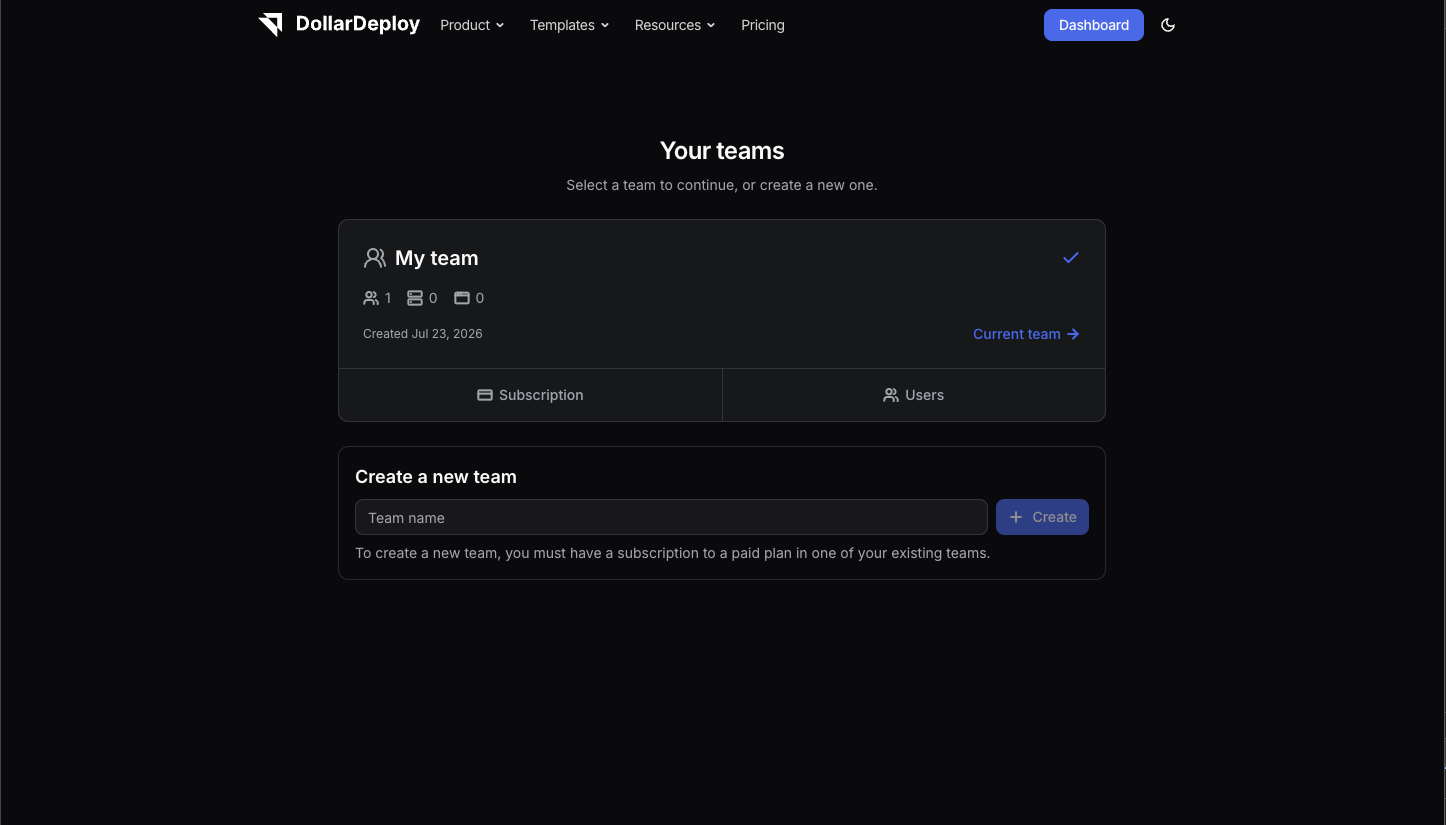
Now you can be a member of many teams with the same e-mail and switch between them from the sidebar. Each team has its own name, its own hosts, apps, providers and billing. You can create multiple teams at Teams page (with 1 free team per every paid team you have).
Scheduled backups with retention
You can define backup schedule for Hosts and Apps from the Settings tab - daily, weekly and monthly, each with its own retention settings. Daily, weekly and monthly backups are supported and deleted automatically when retention settings are met. Scheduled backups require a paid plan to use. Subscribe now.
💅 Other fixes & Improvements
- Better autogenerated custom domains: It is now easy to add new wildcard name in host settings, reusing exisiting autogenerated custom domain and just adding new app, i.e.
app => app.dollardeploy.app, app2 => app2.dollardeploy.app - Build and start script validation - DollarDeploy checks that the scripts referenced in your
package.jsonactually exist before it tries to deploy. - Faster Verda (DataCrunch) provisioning - the OAuth token is cached, improving time to fetch instance types, regions and availability when you provision new host.
- Our DollarDeploy
ddcCLI updated, with new commands for host provision and host services management.